Download for Windows
Oracle & SQL Server · Live

Monitor Oracle & SQL Server
with Total Intelligence

The most complete and affordable monitoring solution for DBAs — now covering both Oracle and SQL Server. Setup in 10 minutes, zero database modifications required.
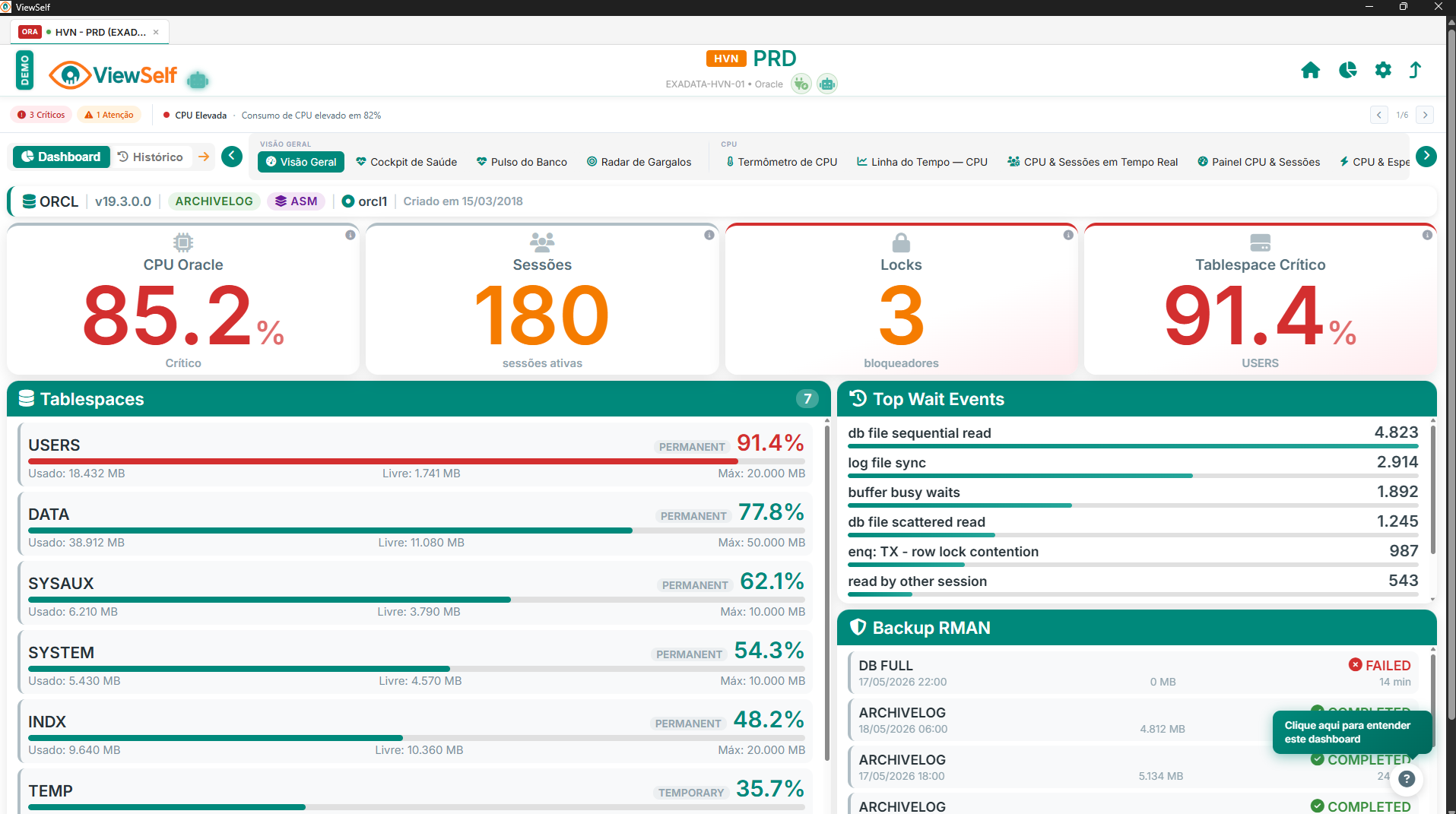
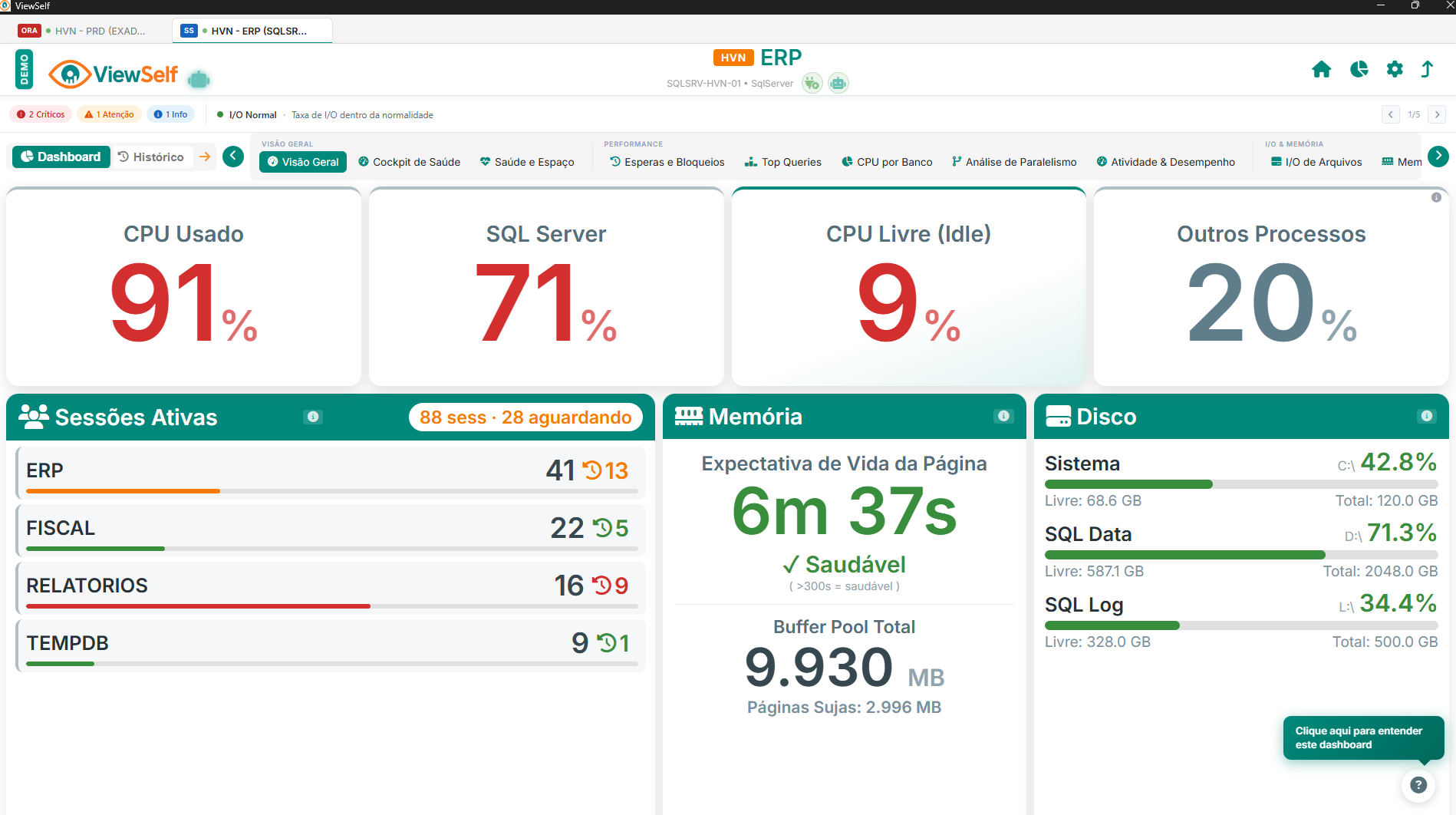
// Digitally signed .exe for Windows 10/11 — no credit card required
0min
Complete Setup
0
Database Engines Supported
0%
Savings vs Enterprise
24/7
Continuous Monitoring
// Dashboard Showcase

See ViewSelf in Action

Watch a full walkthrough for the database engine you use

// ORACLE · FULL WALKTHROUGH
Rotate for better view
// Capabilities

Features That Make the Difference

Everything you need to monitor Oracle and SQL Server with confidence

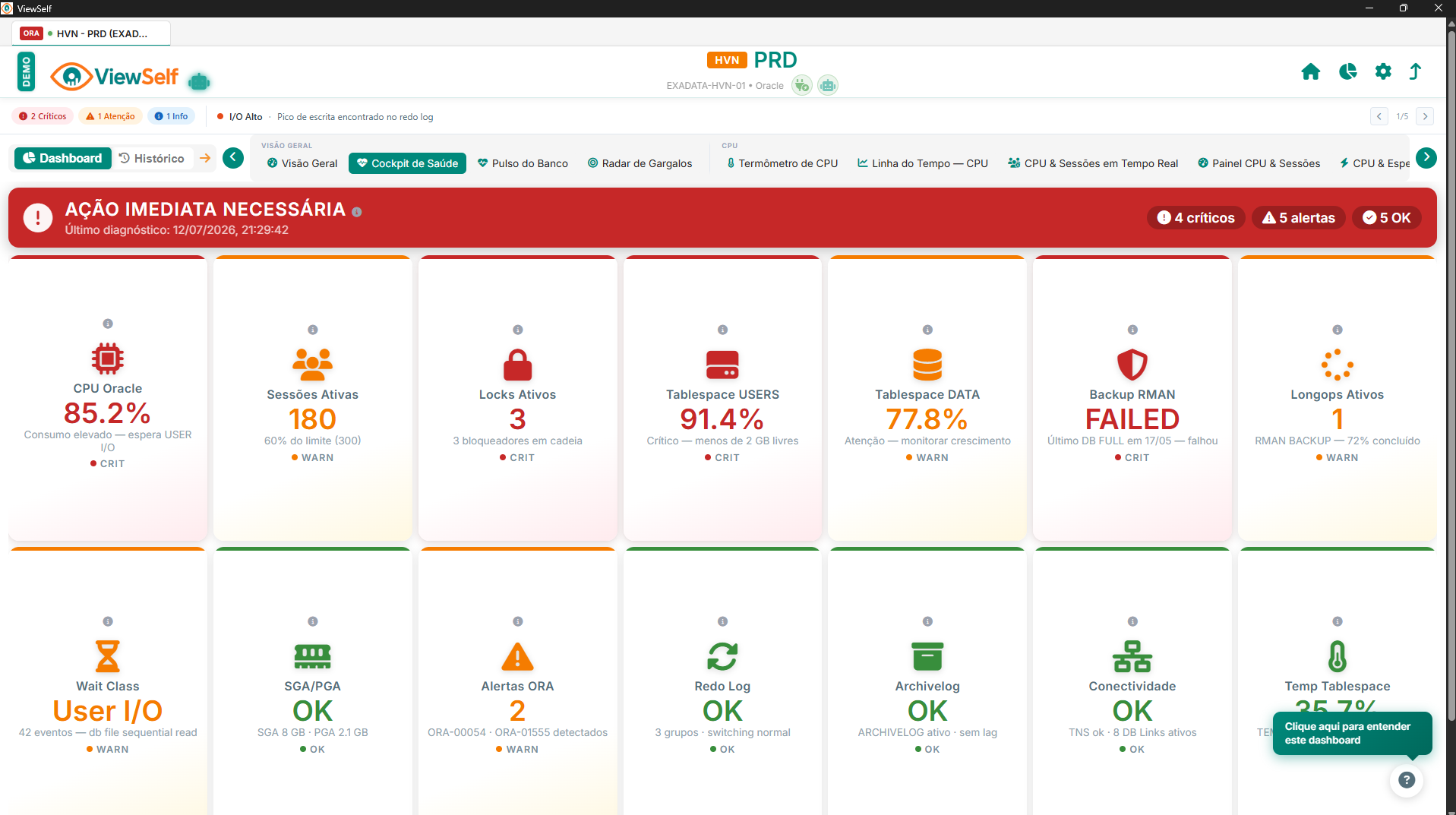
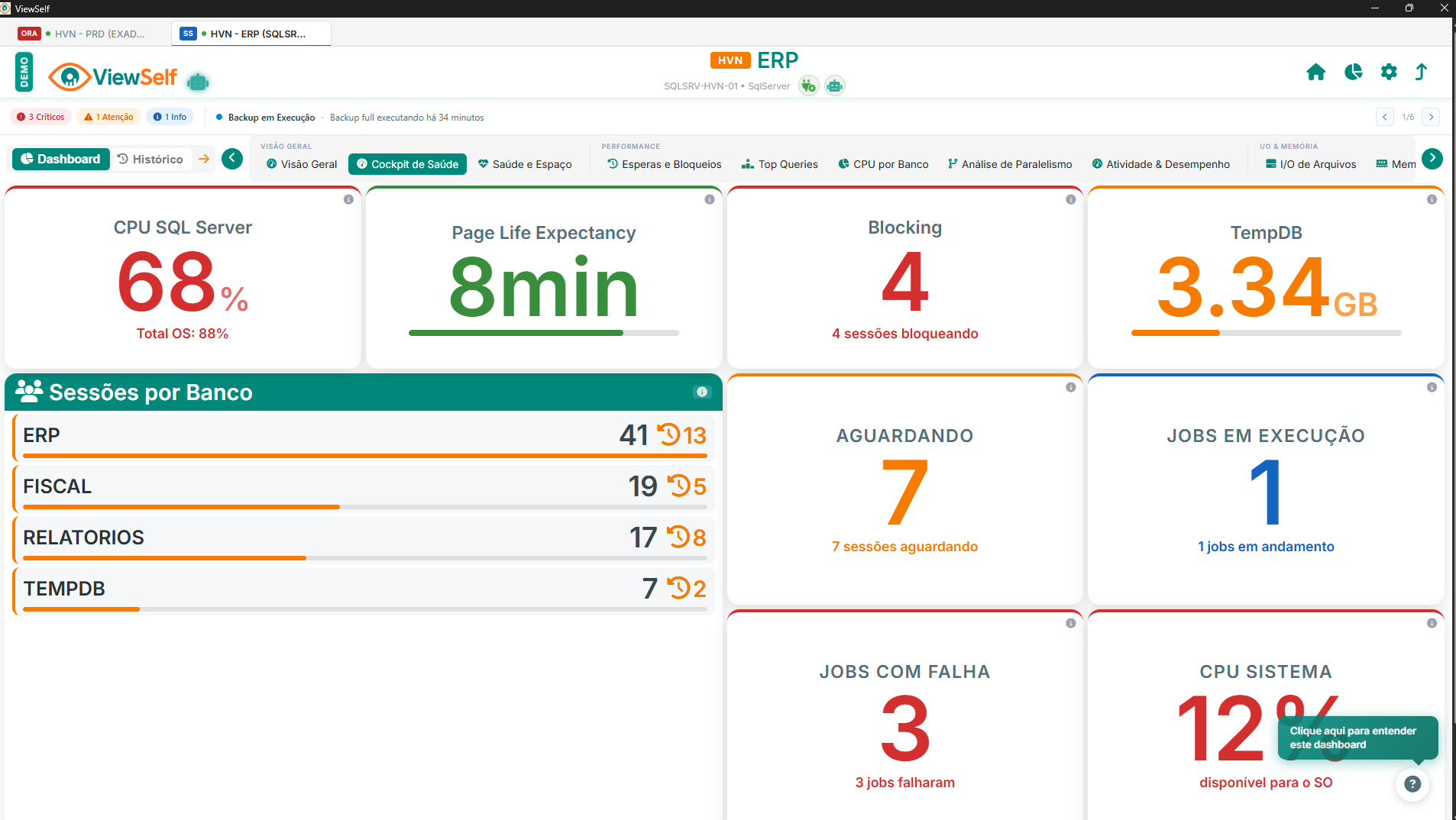
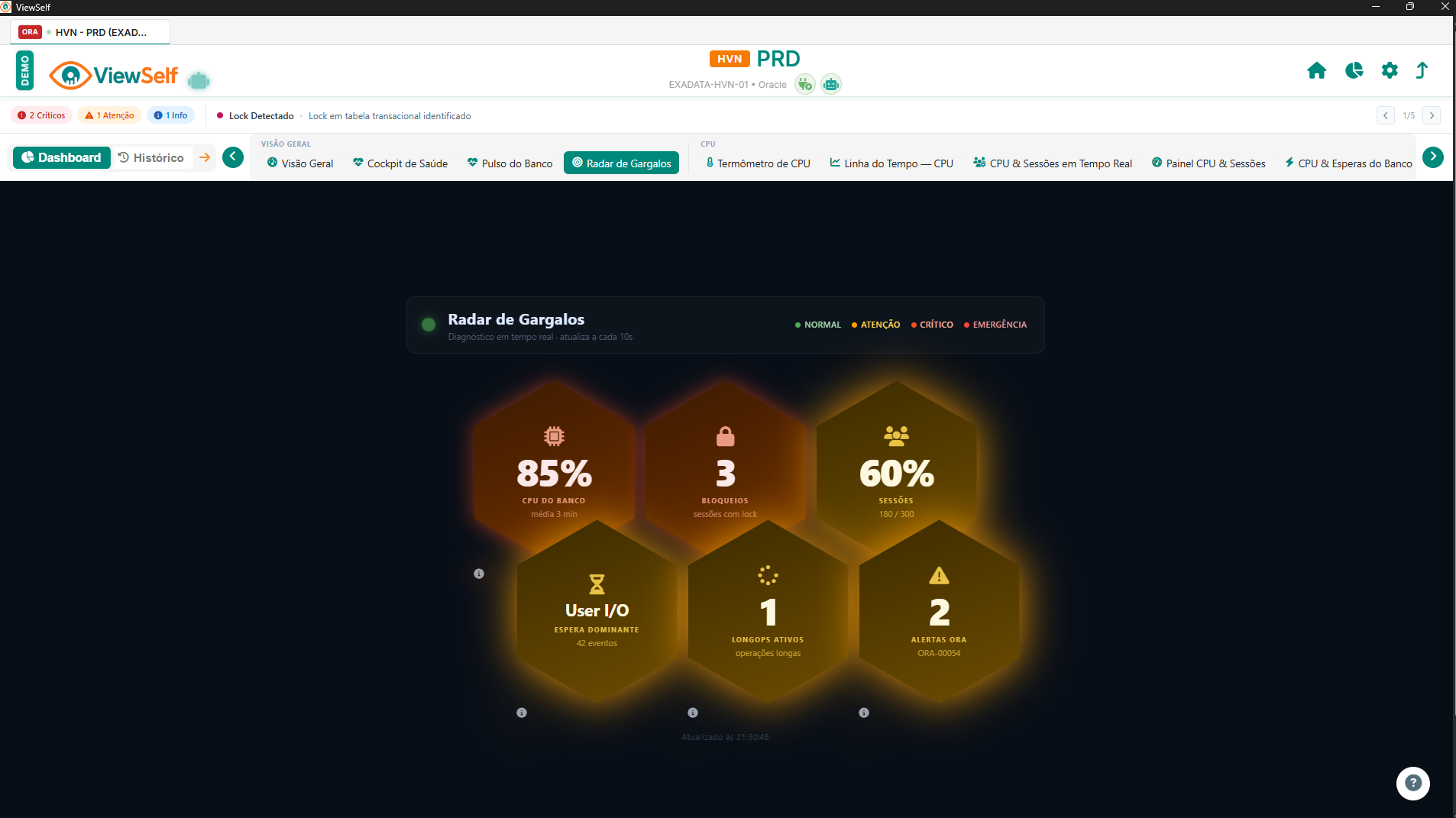
Real-Time Monitoring

CPU, memory, I/O, sessions, and locks refreshed every 30 seconds.

Complete History

Trend charts by hour, day, and month. Compare intervals effortlessly.

Lock & Deadlock Detection

Blocking sessions, queries, and wait time identified in seconds — on both engines.

Storage & Growth Control

Tablespace, file growth, and capacity planning built-in.

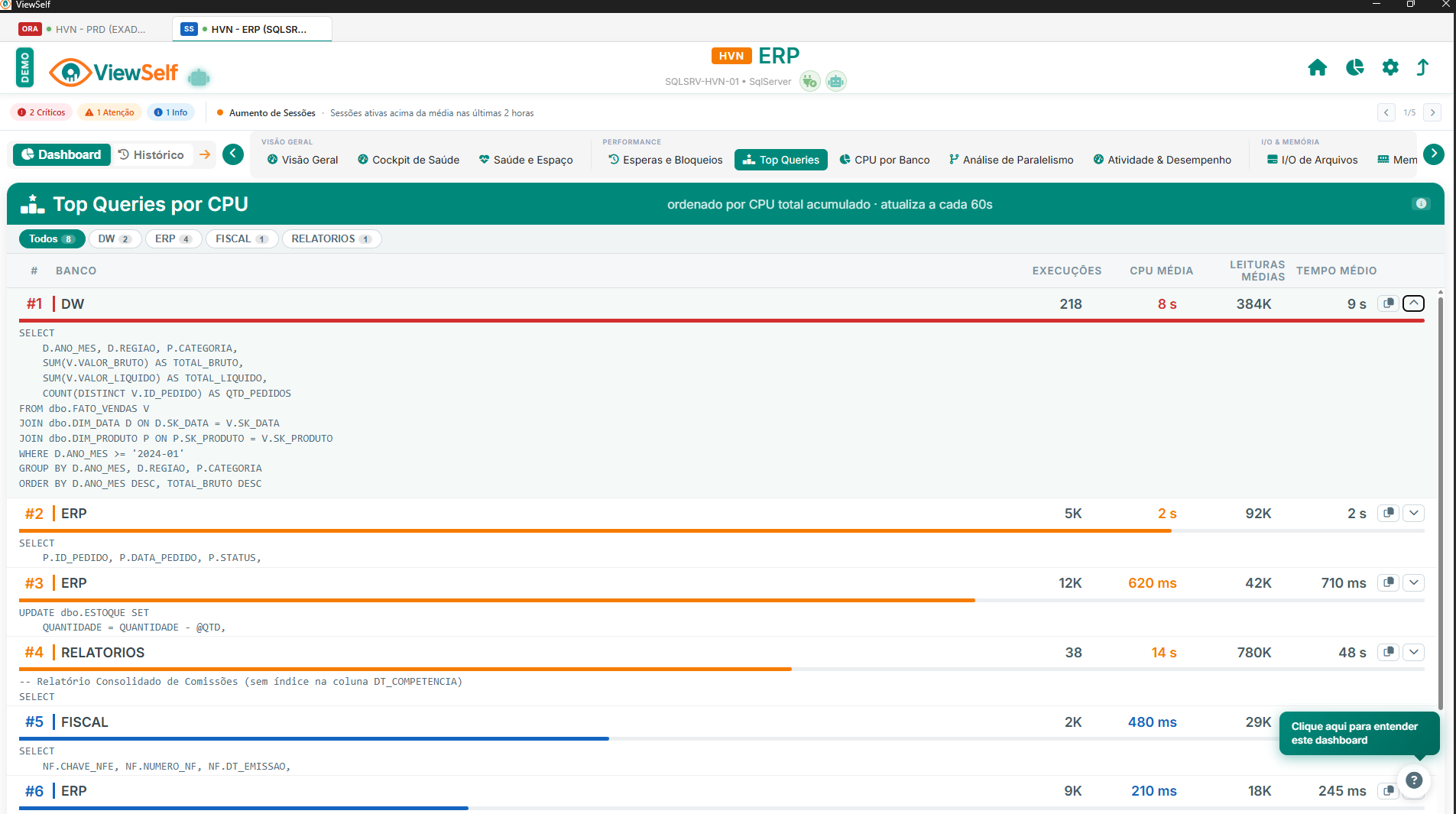
Query Analysis

Top queries by CPU, executions, and elapsed time. Find bottlenecks fast.

Oracle & SQL Server

One tool, two engines. Manage every instance from a single, unified interface.

Total Security

Read-only access only. Zero objects installed. Your data stays yours.

Multilingual

Full interface in Portuguese, English, and Spanish. Switch instantly.

Integrated Demo

Explore every feature with pre-loaded demo data — no connection needed.

// Why ViewSelf

A Smarter Alternative

Same power, a fraction of the cost, none of the complexity

Traditional Tools

  • Require database object installation
  • Complex, time-consuming setup (days)
  • Separate tools for Oracle and SQL Server
  • Slow support, English-only
  • Impossible to test before buying

ViewSelf

  • Zero installation — read-only access
  • Running in 10 minutes or less
  • One tool for Oracle and SQL Server
  • Fast support in EN, PT & ES
  • Full demo — test immediately, free
Download Available Now

Start Monitoring Today

Download free, no credit card needed. Monitor Oracle and SQL Server databases at no cost.

Instant free download
Pre-configured demo
Free to use, full features
No credit card
Free support included
Oracle & SQL Server
100% Secure & Signed
Free to Use
Free Support

// Free access is available today with no announced end date, but it may be discontinued in the future.

// FAQ

Frequently Asked Questions

Yes! ViewSelf monitors Oracle (Standard and Enterprise Edition) and Microsoft SQL Server from the same installation, with dedicated dashboards for each engine. No additional licenses are required.
No! ViewSelf requires absolutely no object installation in the database. It works using read-only access to system views/DMVs, keeping your environment 100% secure and unmodified.
Yes — right now you can download and use ViewSelf at no cost, with full access to every feature and no credit card required. This free access has no set expiration, but it isn't guaranteed forever: it may be discontinued at some point in the future, and there's currently no date planned for that. The built-in demo environment comes pre-configured for immediate exploration — no database connection needed to start.
Yes! ViewSelf allows you to monitor multiple Oracle and SQL Server instances from a single installation. The control panel gives you a unified view of all instances with status indicators and quick access to individual dashboards.
ViewSelf offers comparable functionality to enterprise tools at a fraction of the cost — typically 90% cheaper. The key differences are simplified setup (10 min vs. days), zero database installation, native support for two database engines, and support in Portuguese, English, and Spanish.
ViewSelf is distributed directly from our official GitHub repository. You can click "Download for Windows" for an immediate download of the signed .exe, or "View on GitHub" to see the release page and download it yourself from there.
We offer fast support in multiple languages via WhatsApp during business hours. Enterprise customers can access SLA-based support with extended coverage.